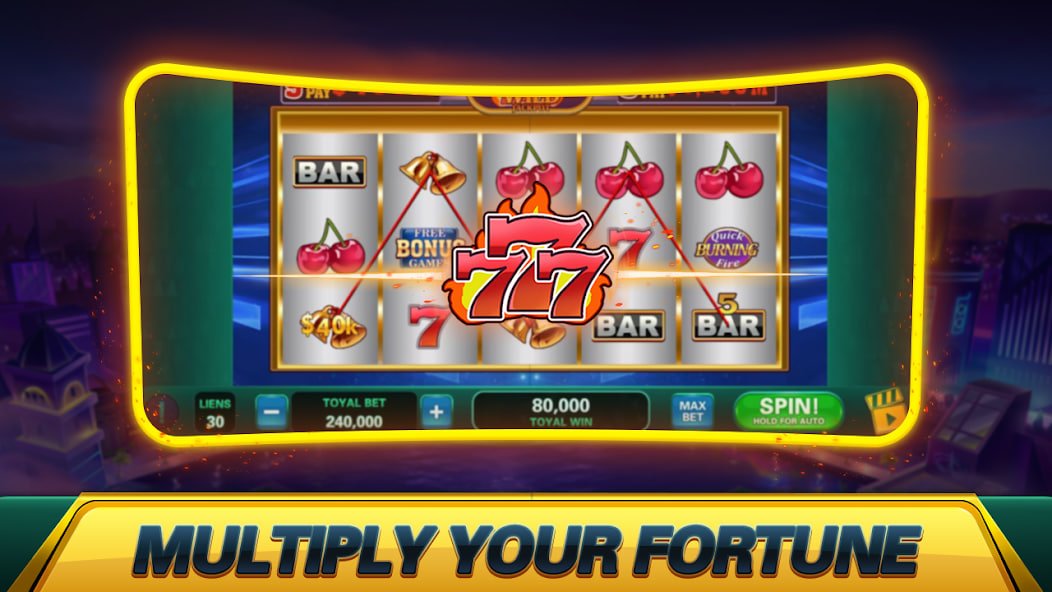
Play slots, live casino, and sports betting on your phone wherever you are in the Philippines. The official 65gl app is optimized for mobile networks, supports PHP transactions, and puts the full gaming experience in your pocket.
Choose Your Platform
The 65gl app is available for Android and iOS devices. Select your platform to download the latest version.
Download the official APK file and install directly on your Android device. Works on Android 6.0 and above.
Download APKGet the app for iPhone and iPad. Compatible with iOS 12.0 and later. Install securely from the 65gl download page.
Download iOS AppEverything You Love About 65gl on Your Phone
The 65gl mobile app brings the full platform experience to your smartphone. Slots, live casino, sports betting, account management, deposits, and withdrawals — all optimized for mobile screens and Philippine networks.
Every slot, every live table, and every sports market available on desktop is also available in the app. No restrictions.
Optimized for 4G and standard mobile data speeds. Games load quickly and run smoothly even when you're on the go in Manila or Cebu.
Get notified about game results, odds changes, account activity, and platform updates right on your home screen.
Manage your balance in Philippine Peso directly from the app. Top up via online banking, GCash, Maya, or bank transfer without switching to a browser.
Two-factor authentication keeps your account protected. Log in securely with OTP verification every time you access your account.
How to Install the 65gl Android App
Installing the 65gl APK on Android is straightforward. Because the app is distributed directly from our site rather than the Google Play Store, you'll need to allow installation from unknown sources. Here's exactly how to do it.
Tap the Download APK button on this page from your Android device. The file will save to your Downloads folder automatically.
Go to Settings → Security (or Privacy on newer Android versions) and enable "Install unknown apps" for your browser or file manager. This is a one-time setting.
Navigate to your Downloads folder and tap the 65gl APK file. Your device will prompt you to confirm the installation.
Tap Install and wait a moment for it to complete. Once done, open the 65gl app, log in or register, and start playing.
Installing 65gl on iPhone and iPad
iOS installation follows a slightly different process. Follow these steps to get 65gl running on your iPhone or iPad in just a few minutes.
Use Safari — not Chrome or another browser — to visit the 65gl download page. This is important for the iOS installation to work correctly.
Tap Download iOS App on this page. Safari will begin the installation process and may ask for your confirmation.
Go to Settings → General → VPN & Device Management, find the 65gl profile, and tap Trust. This allows the app to run on your device.
Find the 65gl icon on your home screen, open it, and log in or create a new account. Everything works exactly like the full platform.
The app is free to download and works wherever you have a mobile connection — Manila, Cebu, Davao, or anywhere in between. Register now and claim your spot.
App vs Mobile Browser
Not sure whether to download the app or just play through your browser? Here's a quick side-by-side.
The app sends real-time push alerts to your home screen. The browser version does not support push notifications.
The native app loads faster and runs more smoothly on most Android and iOS devices compared to a mobile browser tab.
Tap the 65gl icon on your home screen and you're in immediately. No typing URLs or searching through bookmarks.
The app supports true full-screen mode for slots and live casino, removing browser toolbars for a cleaner gaming experience.
If you prefer not to install anything, the 65gl mobile site works on any modern smartphone browser with the full feature set.
The app notifies you when a new version is available so you always have the latest features and security patches.
For most players in the Philippines, their smartphone is their primary gaming device. Whether you're in Quezon City commuting on the MRT, on a lunch break in Makati, or relaxing at home in Davao, the phone is always within reach. The 65gl mobile app was built with that reality front and center.
The app is a lightweight install that doesn't take up a lot of storage, runs smoothly on mid-range Android devices, and loads games quickly even on a typical Philippine mobile data connection. You don't need a flagship phone or a fast Wi-Fi network to enjoy a good experience — the app is designed to work well with what most Filipino players actually have in their hands.
Everything available on the full 65gl platform is accessible through the app. That includes the complete slot game library with hundreds of titles, the live casino section with real dealers running baccarat, roulette, and blackjack tables around the clock, and the sports betting section covering PBA, NBA, UAAP basketball, Philippine boxing, international football leagues, and esports events like Mobile Legends Bang Bang.
Beyond gaming, the app handles your account completely. You can deposit in Philippine Peso using local payment channels — online banking, GCash, Maya, or bank transfer. You can check your transaction history, view your active bets, and request a withdrawal, all without leaving the app. There's no need to open a browser for anything.
Yes. The 65gl app is the official mobile client for the platform. Because it's distributed directly from the 65gl website rather than through the Google Play Store or the Apple App Store, Android users need to enable installation from unknown sources — but this is a standard procedure for many legitimate gaming apps in the Philippines and throughout Southeast Asia.
The app communicates with 65gl servers over SSL-encrypted connections, so your account data, transaction details, and personal information are protected in transit. Login is secured with OTP verification, meaning even if someone gets hold of your password, they can't access your account without your mobile number.
If you're ever unsure about a download link, always come directly to 65gl.com to get the official version. Don't download from third-party sites or unofficial sources claiming to offer the 65gl app.
65gl regularly releases app updates that bring new games, performance improvements, and security enhancements. When a new version is available, you'll receive a notification inside the app. Updating is as simple as downloading the new APK (for Android) or following the update prompt (for iOS) and going through the same installation steps once more.
Staying on the latest version ensures you have access to the newest features and that your app is running with the most current security protections. It only takes a minute and is always worth doing.

Download FAQ
Common questions about downloading and installing the 65gl mobile app.
The 65gl app is intended for adults aged 21 and above. Always set a budget before you play and stick to it. Gaming is entertainment, not a guaranteed source of income. If you feel your gaming time or spending is becoming difficult to control, use the tools available in your account settings or visit our Responsible Gaming page for guidance on deposit limits, session reminders, and self-exclusion options.